From HTML to JavaScript to React
React Basics that most tutorials miss

Hey there, I am sure that you are aware of so many react tutorials floating around online. Most of these tutorials directly jumpstart with installing create-react-app and using JSX syntax. So let's understand pure React from zero.
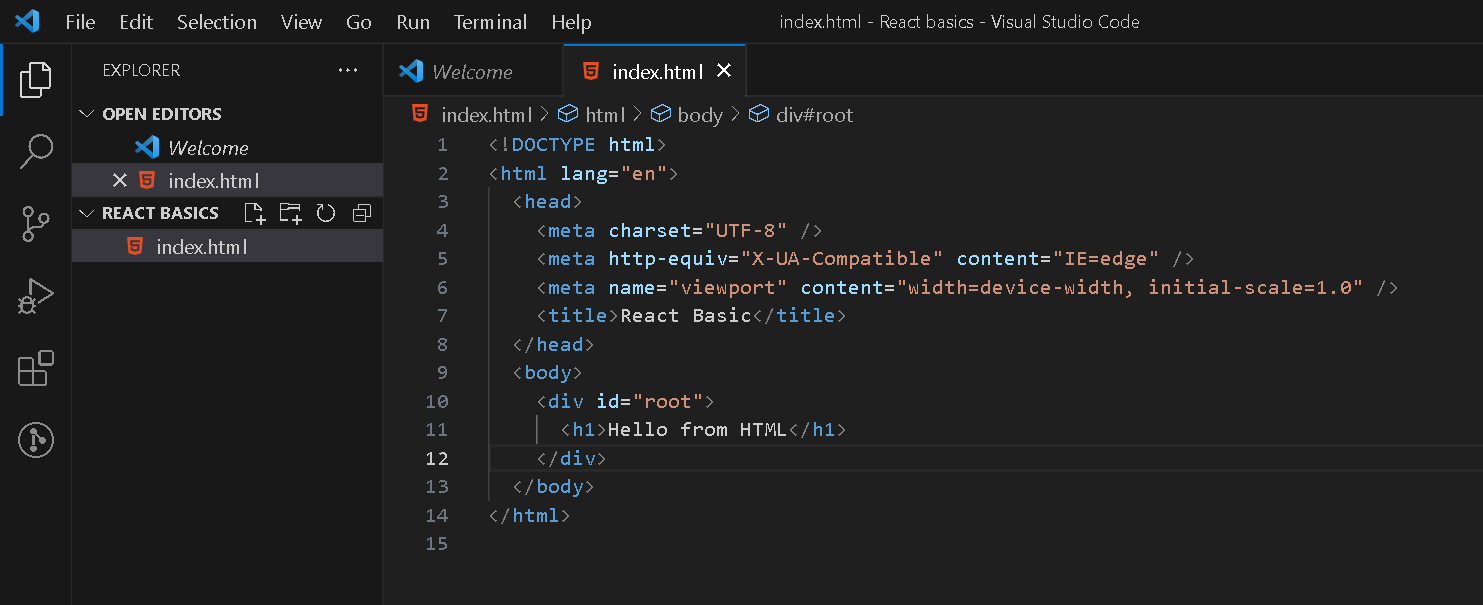
Displaying a heading in HTML :
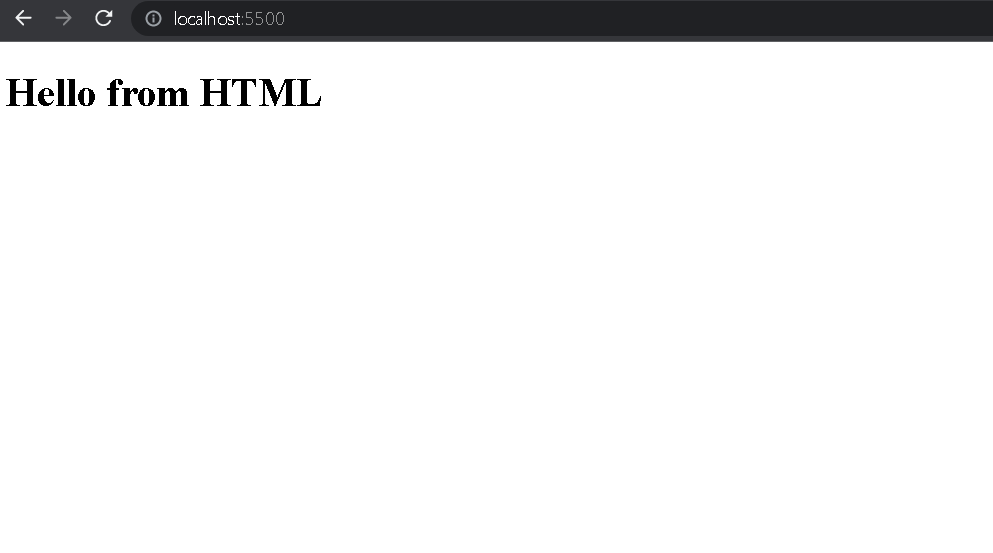
Using emmet create the boilerplate code of HTML and create an h1 tag with the message "Hello from HTML" and open the file in your browser.
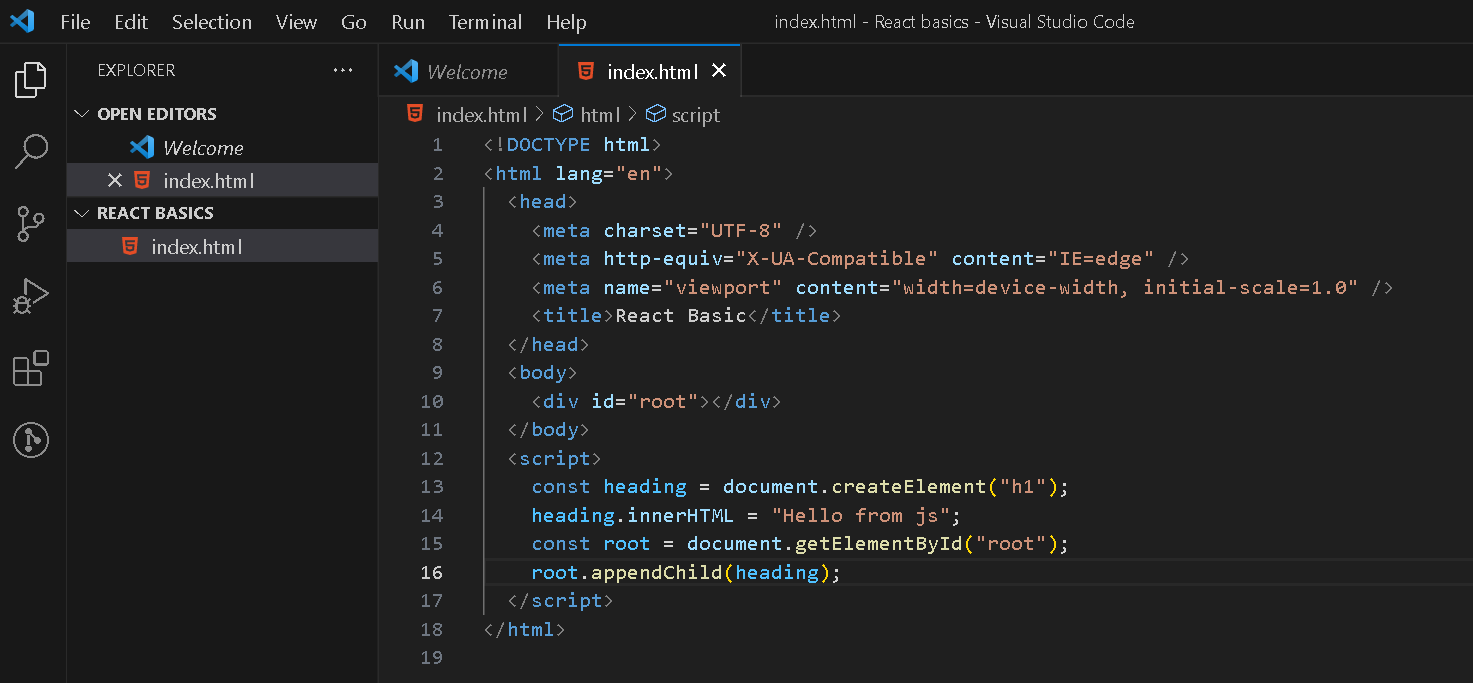
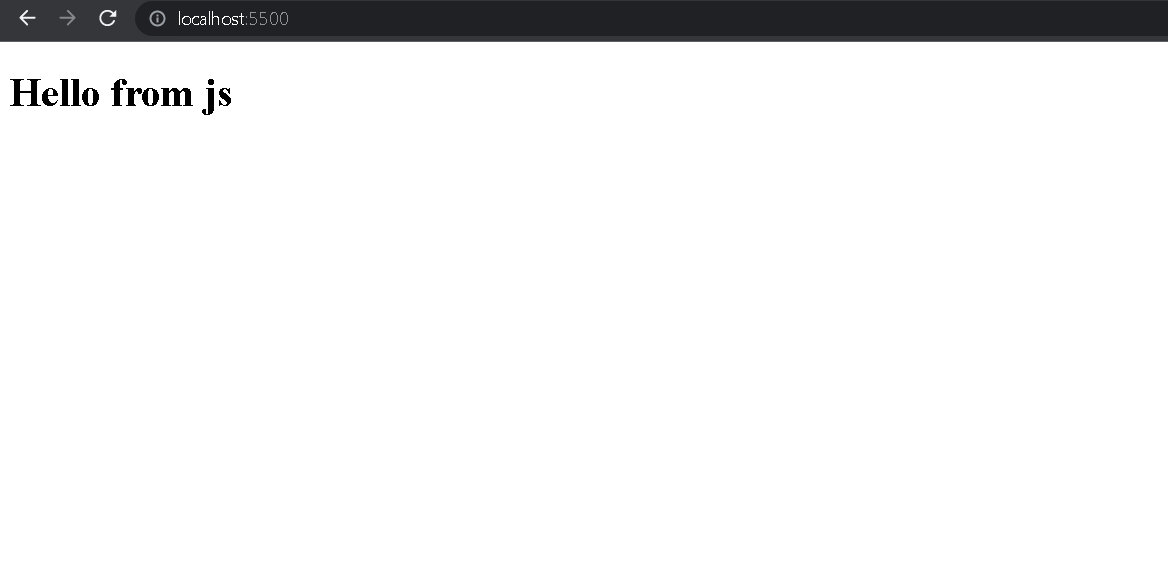
Displaying a heading in JavaScript :
You can see that I have created a div with an id root in HTML. This is because moving forward we will see that in React the div element with the id of "root" is important because it serves as the root or the entry point of your React application. This div acts as a container for all the React components that will be rendered and managed by React.
Displaying a heading in React :
Let us create our first React program without using JSX or the create-react-app tool :
Go to Google and type in React CDN link.
Copy the two script tags, one is for React and another for ReactDOM.
Paste them in your HTML file.
Congratulations! You have injected React into your app, and this may as well be called the smallest React program.
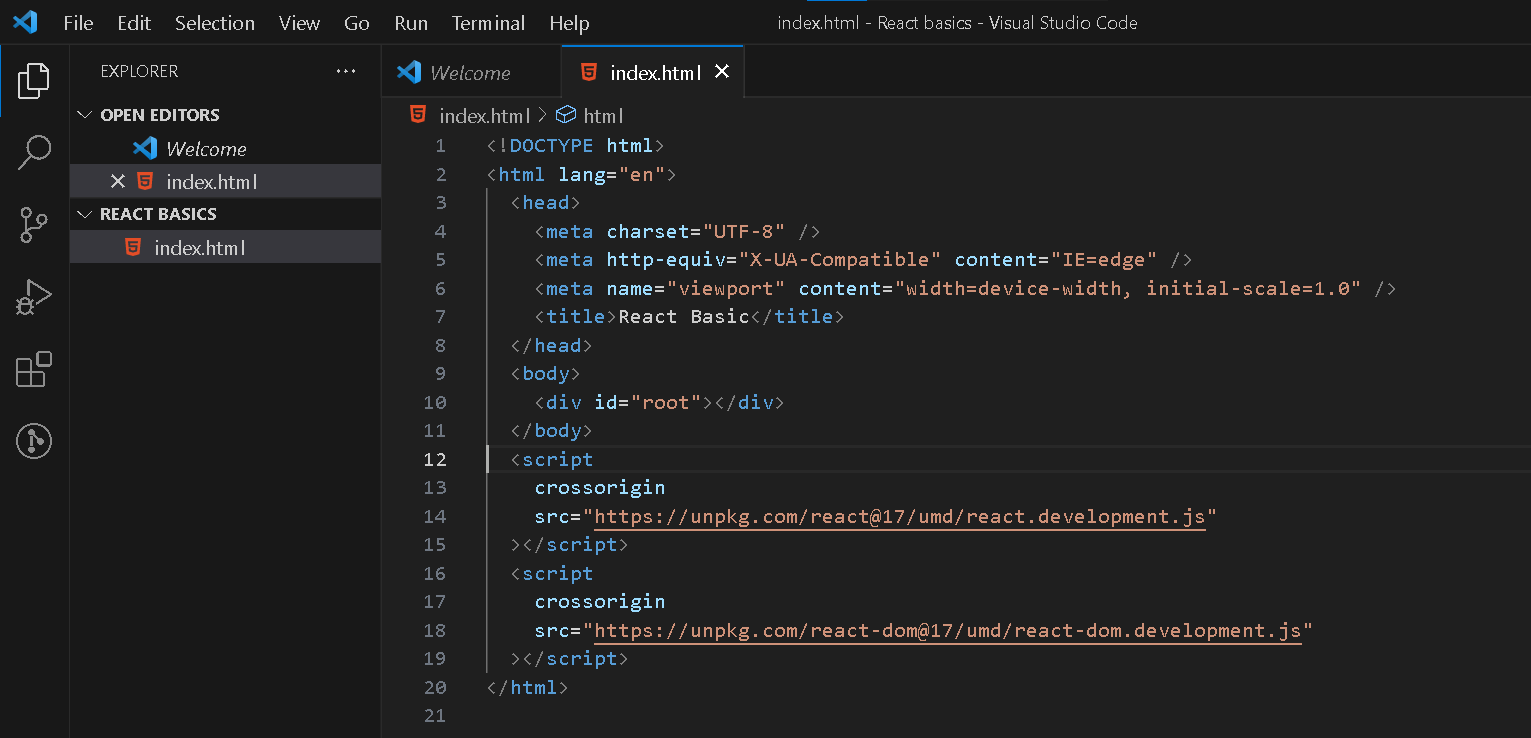
The CDN links we pasted are responsible for providing APIs that help us write react code. So let's see how to display a heading using pure react code.
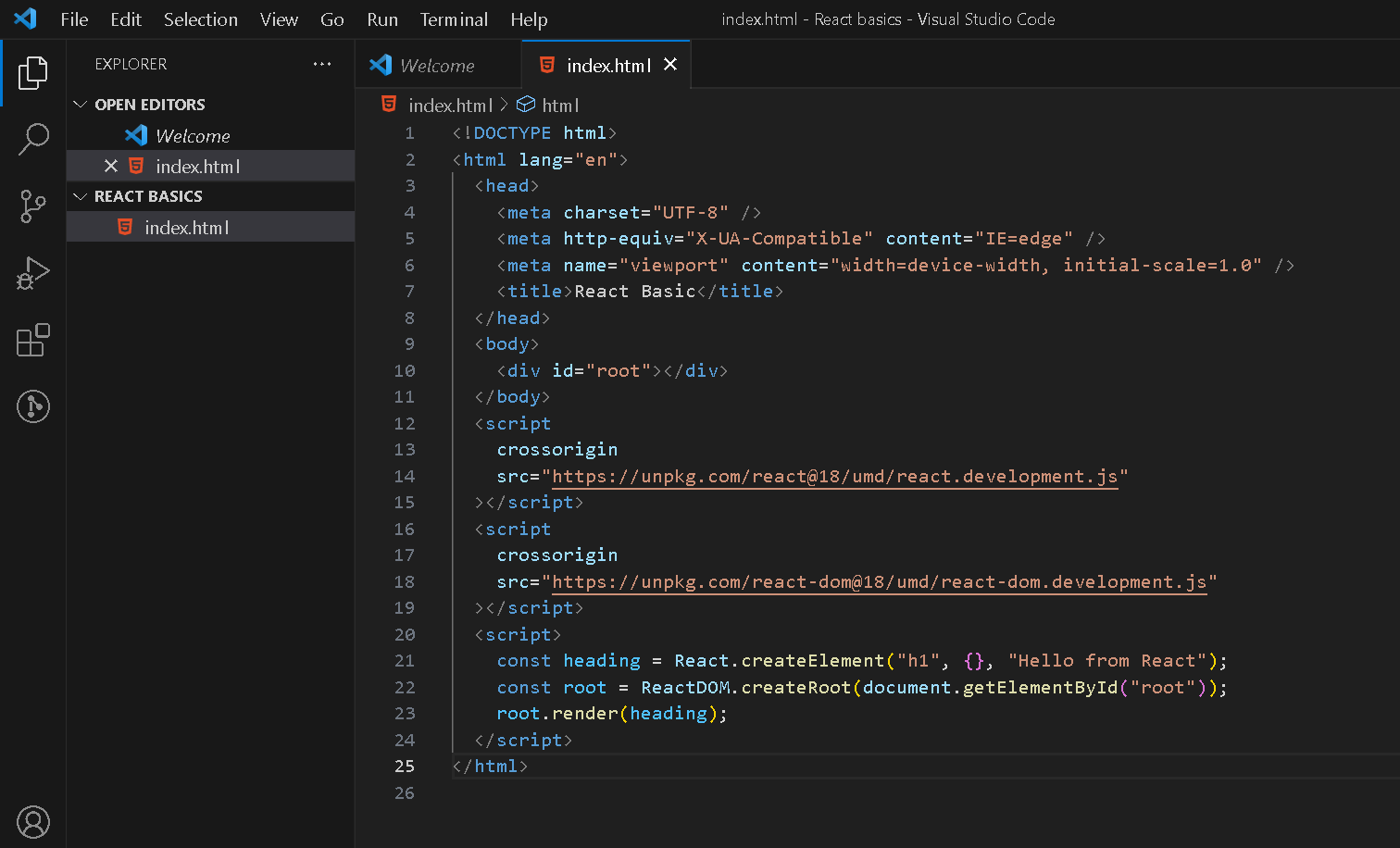
React.createElementis a function provided by React that allows you to create React elements. ThecreateElementfunction takes three arguments:type(required): The type of the element you want to create. This can be a string representing an HTML tag name (e.g.,'div','span','h1').props(optional): An object containing the properties (or props) to be assigned to the element. These props are used to pass data and configuration to the element or component. It is similar to providing attributes to HTML elements.children(optional): The content that will be placed inside the element. This can be a string, another React element, or an array of React elements.
ReactDOM.createRoot is a method used to create a root-level component and initiate rendering in a React application. It takes one argument, and that is the element that you want to create as the root element.
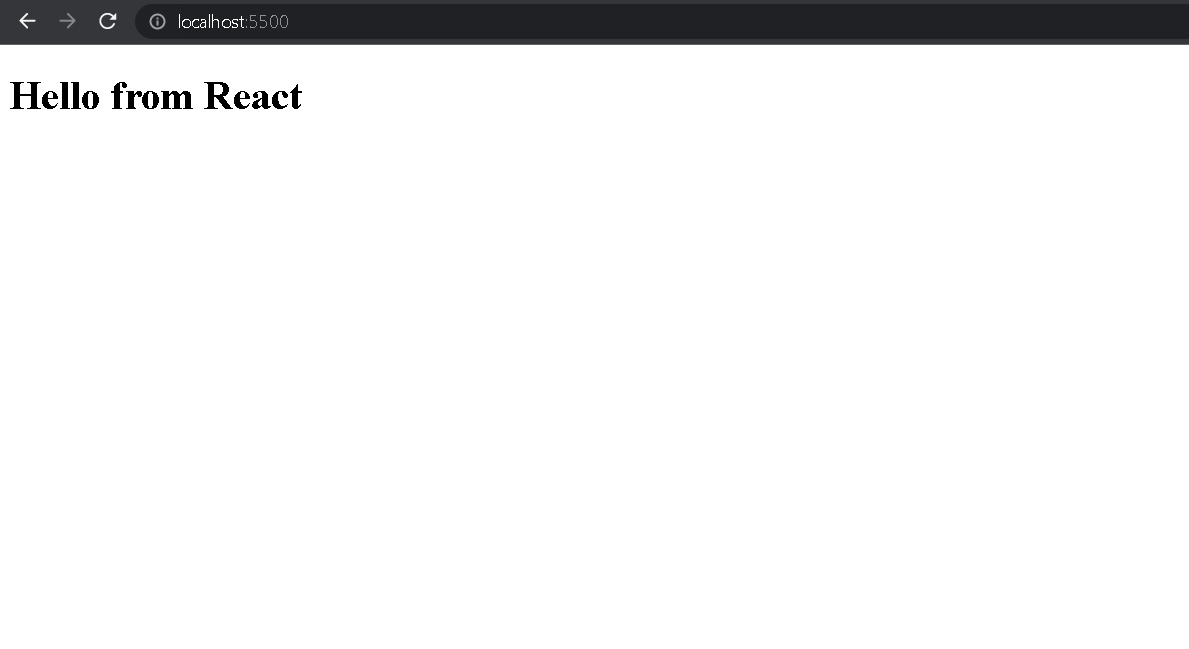
Finally root. render() is a method provided by the Root object returned by ReactDOM.createRoot() . It takes as an argument what we want to render to the DOM, which in the above case is the heading.
Takeaway :
The CDN link is the simplest way to inject React into our application but it is only suitable for development. This cannot be used for creating production-ready React apps. But developers need to be aware that React can be written without JSX syntax and all the heavy package installations.